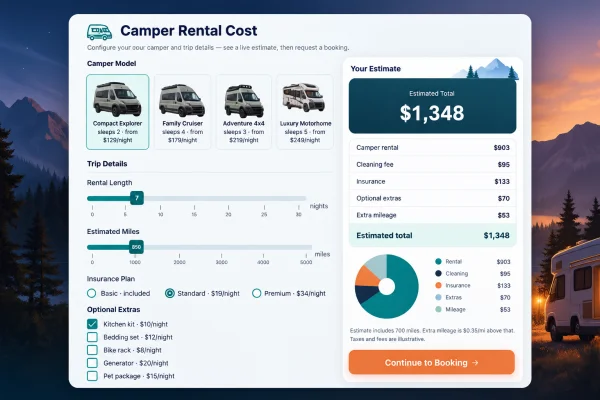
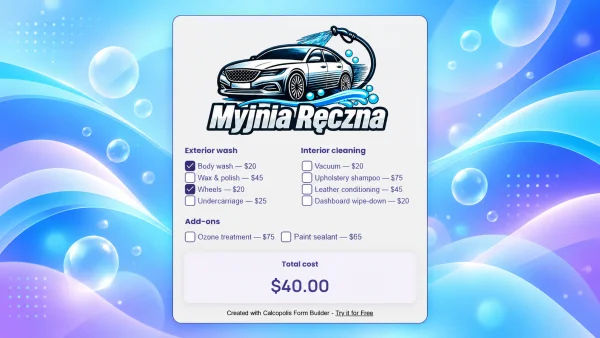
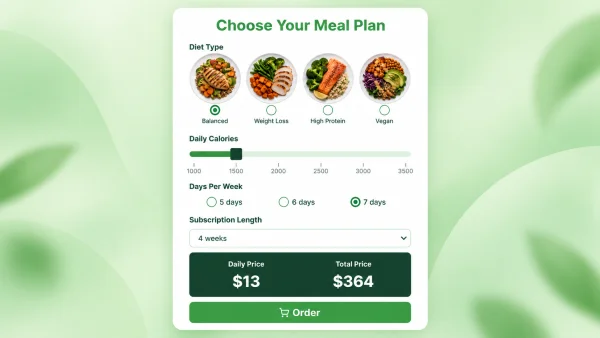
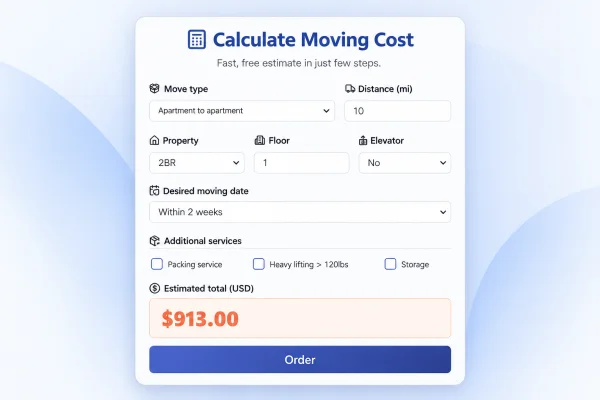
If you sell roller shades, blackout blinds, day-and-night fabrics, or Roman shades, a static contact form leaves money on the table. This window blind price quote calculator lets visitors pick a blind type, enter width and height in inches, choose fabric and color, add motorization or install — and see a clear USD estimate before they share contact details.
For blinds retailers, window covering showrooms, and home improvement brands, that experience builds trust, shortens sales cycles, and feeds your team warmer inquiries tagged with the exact configuration the customer wants.
Why embed a window-blind-price-quote-calculator on your site
Shoppers searching for a window blind price quote or custom blinds cost calculator expect instant answers. Hosting an interactive estimator on your domain helps you rank for commercial intent, keep traffic on your pages, and convert browsers into measurable leads instead of sending them to a competitor's configurator.
- Higher conversion — pricing transparency reduces hesitation and “just browsing” exits.
- Better sales handoff — every lead arrives with size, type, fabric, control, and install preferences already filled in.
- SEO-friendly engagement — a useful calculator increases time on page and supports landing pages around window blind quotes and custom shade pricing.
- Brand control — your prices, your options, your follow-up — not a third-party marketplace.
How the quote flow works
- Customer builds a window blind quote (type, dimensions, fabric, color, extras).
- They tap Request details and land on a contact step that still shows the live estimate.
- On submit, Calcopolis can store the lead and show a thank-you screen — ready for your team or automations.
Automations you can connect
Wire the contact step to the tools you already use so no quote request sits in an inbox unread:
- Calcopolis Leads (SAVE_LEAD) — store name, email, phone, and message with the quote context.
- Email notifications (SEND_EMAIL) — alert sales or send the customer a confirmation with their estimate.
- HubSpot (HUBSPOT_SAVE_LEAD) — upsert contacts and optionally create notes or deals from the inquiry.
- Webhooks (WEBHOOK / WEBHOOK_JS) — push payloads to Zapier, Make, n8n, or your own CRM API.
- Google Sheets — append each submission as a row for ops or franchise reporting.
- Conversion goals (REGISTER_GOAL) — track quote requests in your analytics stack.
Who it's for
Window covering manufacturers, blinds & shutters retailers, interior designers offering custom shades, and multi-location home service brands that want a reusable window-blind-price-quote-calculator they can brand, price, and automate — without building a configurator from scratch.
Import the template, adjust rates and copy to match your catalog, embed the script on your product or quote page, and start collecting configured blinds leads the same day.